⚙️ Background functions
Design system
The Trat Provincial Public Health website is designed with modern tools and languages to ensure an intuitive and secure user experience for both the public and healthcare workers.
Front-End Technologies
The website utilizes HTML, CSS, and Bootstrap 5 to create a responsive and visually appealing user interface. Bootstrap 5 helps in ensuring a consistent design across different devices, making the website accessible on both desktop and mobile platforms. With a focus on clarity and simplicity, the layout enhances readability, and user-friendly navigation guides visitors to important health updates, public announcements, and policy documents effortlessly.
Back-End Architecture
For the back-end, PHP is employed to manage the core functionality of the website. This includes handling user authentication, regulating system access, posting updates, and ensuring the proper deletion and management of data. PHP is also responsible for connecting to the MySQL database, where crucial information such as health policies, announcements, and government tenders is stored. Robust security measures are in place to prevent unauthorized access and safeguard the system against unwanted outcomes, such as SQL injections or data breaches.
Database Management
The MySQL database stores and manages all relevant data, including user accounts, post records, and tender information. This ensures that all content is organized, searchable, and can be retrieved efficiently for display on the website.
User Interaction and Enhancements
JavaScript (JS) adds subtle interactive elements to the user interface, providing small yet impactful features that improve user engagement and experience. These may include form validations, dynamic content updates, and small visual effects that help guide users through the website smoothly.
Development Tools
The development environment for the website is set up using VS Code as the code editor, ensuring efficient writing, debugging, and management of the website's codebase. XAMPP is used as the local server environment for testing PHP scripts and database connections before deployment, making it easier to monitor and maintain the system.
functions
This section outlines the key functions of the website's backend, designed to streamline operations and enhance user experience
Admin Login Page Overview
The Admin Login page is exclusively for staff access, allowing only the highest-level admin (ID 0) to create new accounts. Admin IDs can be modified within the database, with this authority limited to the top admin. The system is developed using PHP Object-Oriented Programming (OOP) principles for better code organization and maintainability, ensuring ease of understanding for future developers.
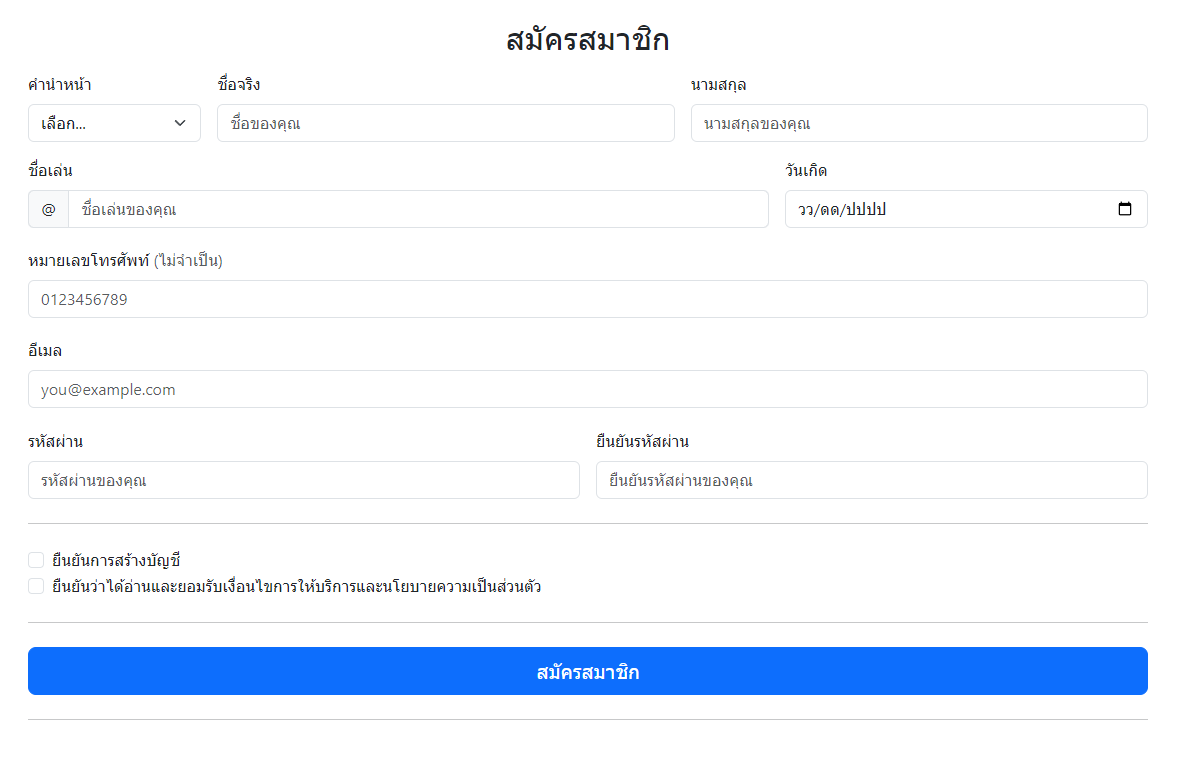
Press me.
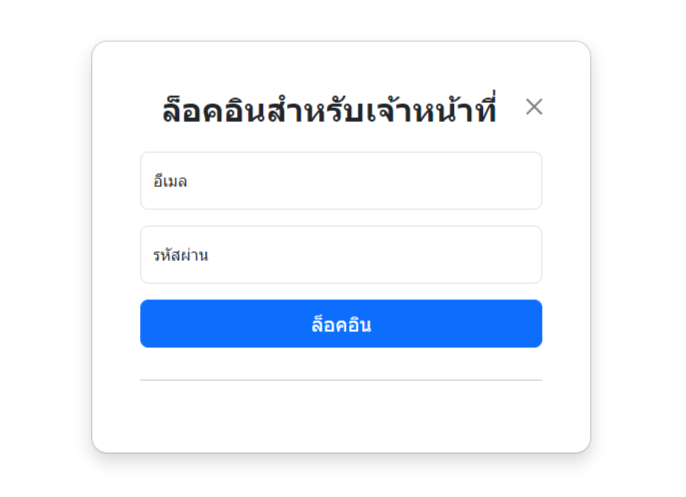
Are you saying you forgot your password?
Creating posts is restricted to authorized staff only, who can enter various details such as the title, images, responsible department, date, and content. Upon viewing a post, staff members can also delete it if needed, with this functionality visible exclusively to admins. The system stores image files in the database while also keeping backup files in zip format for additional security.
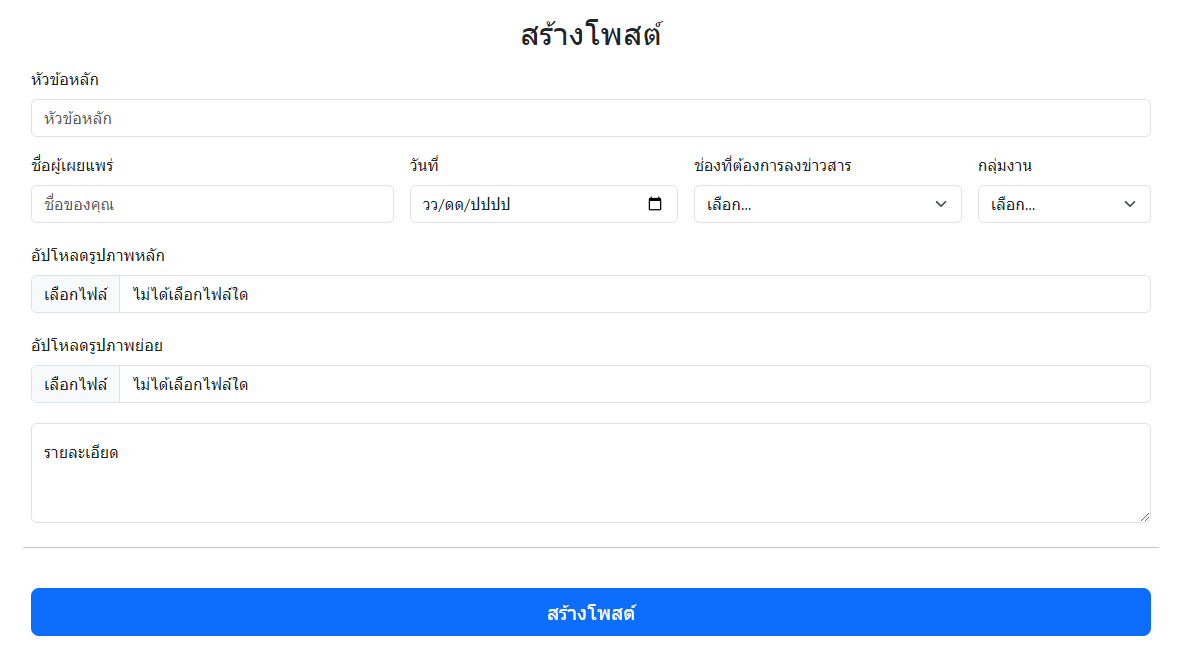
Post anything that looks good.
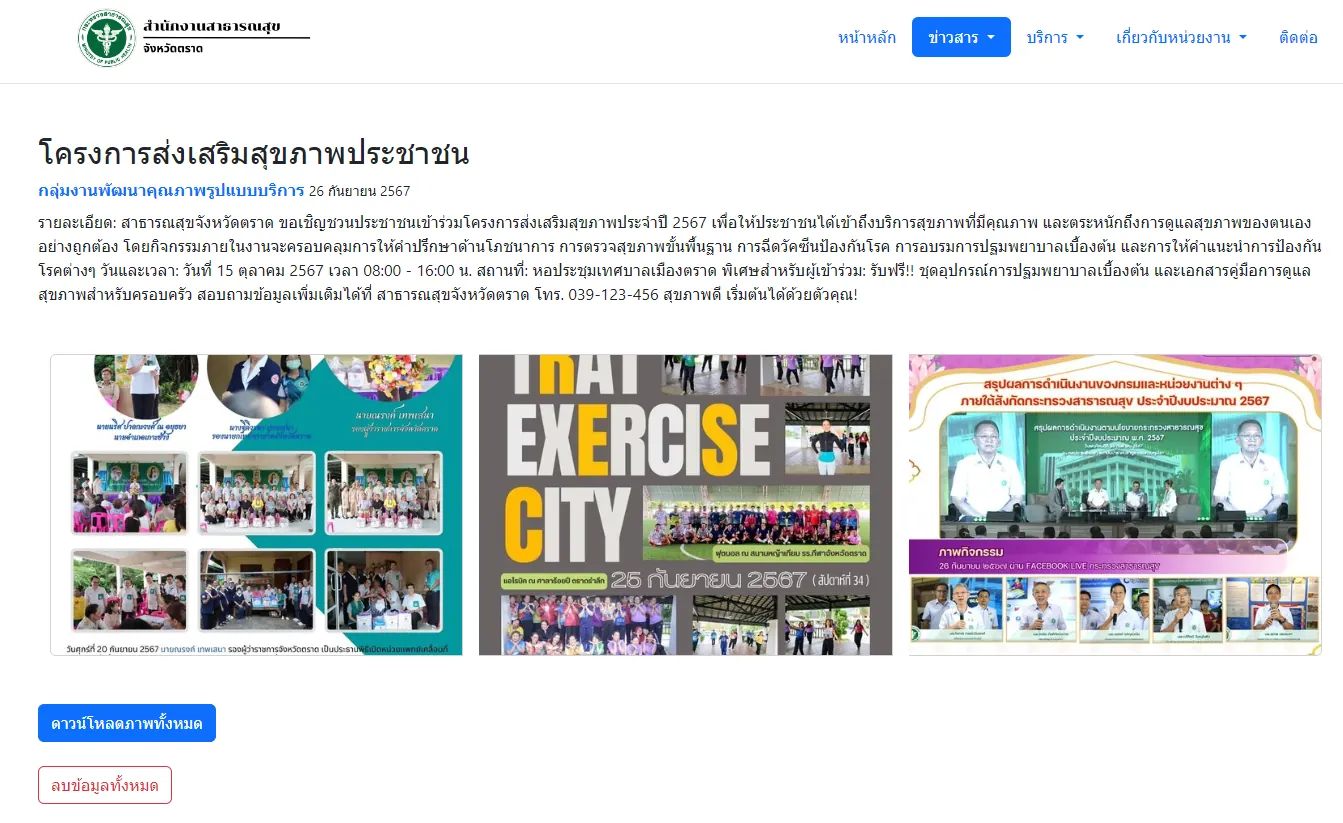
It wasn't bad. But I'm still not satisfied.
Error
If the website experiences a failure, such as an inability to connect to the database, users will be redirected to an alert page informing them of the issue. This page will display a message indicating the error and will automatically wait for 20 seconds before presenting two options: "Reconnect" or "Email the Developer." The "Reconnect" option will attempt to re-establish the connection, while the "Email the Developer" option will enable users to send a notification to the developers about the issue, utilizing JavaScript for functionality and user experience.
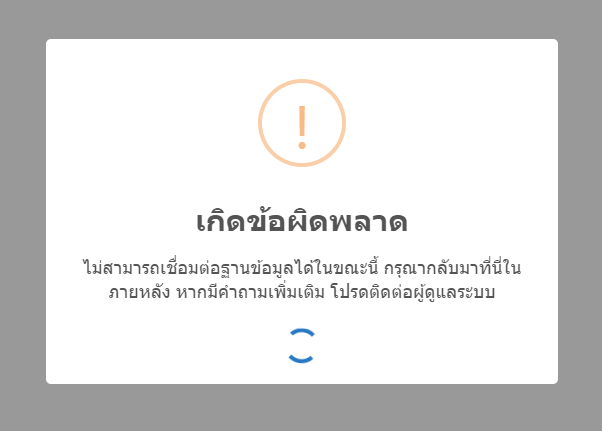
System error
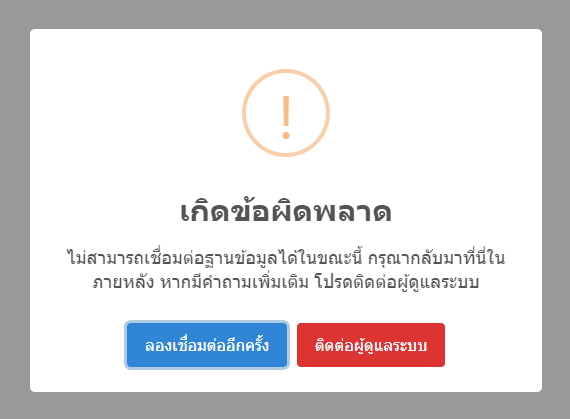
Try restarting or contact us.
security
The user login interface is designed to restrict access to the admin pages. If a user is not logged in, they will not be able to view any admin content. Should someone attempt to access the admin area and fail to log in more than 10 times, their IP address will be banned to prevent further attempts. Only the highest-level admin has the authority to lift this ban, ensuring tight security and protection against unauthorized access.
This is just a basic security system designed for user accounts, tailored to suit the needs of organizations. The simple account structure ensures that only authorized personnel can access sensitive areas, providing a straightforward approach to account management while maintaining essential security measures.
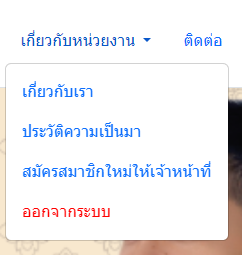
Go away.